Works without internet

Run your whole shop from one counter.

Mini Mart is the point-of-sale for grocery shops in Pakistan. Bills, stock, Udhaar and the cash drawer on one Windows PC, counted to the rupee.

7 days free on any PC · Windows 10 or 11, 64-bit

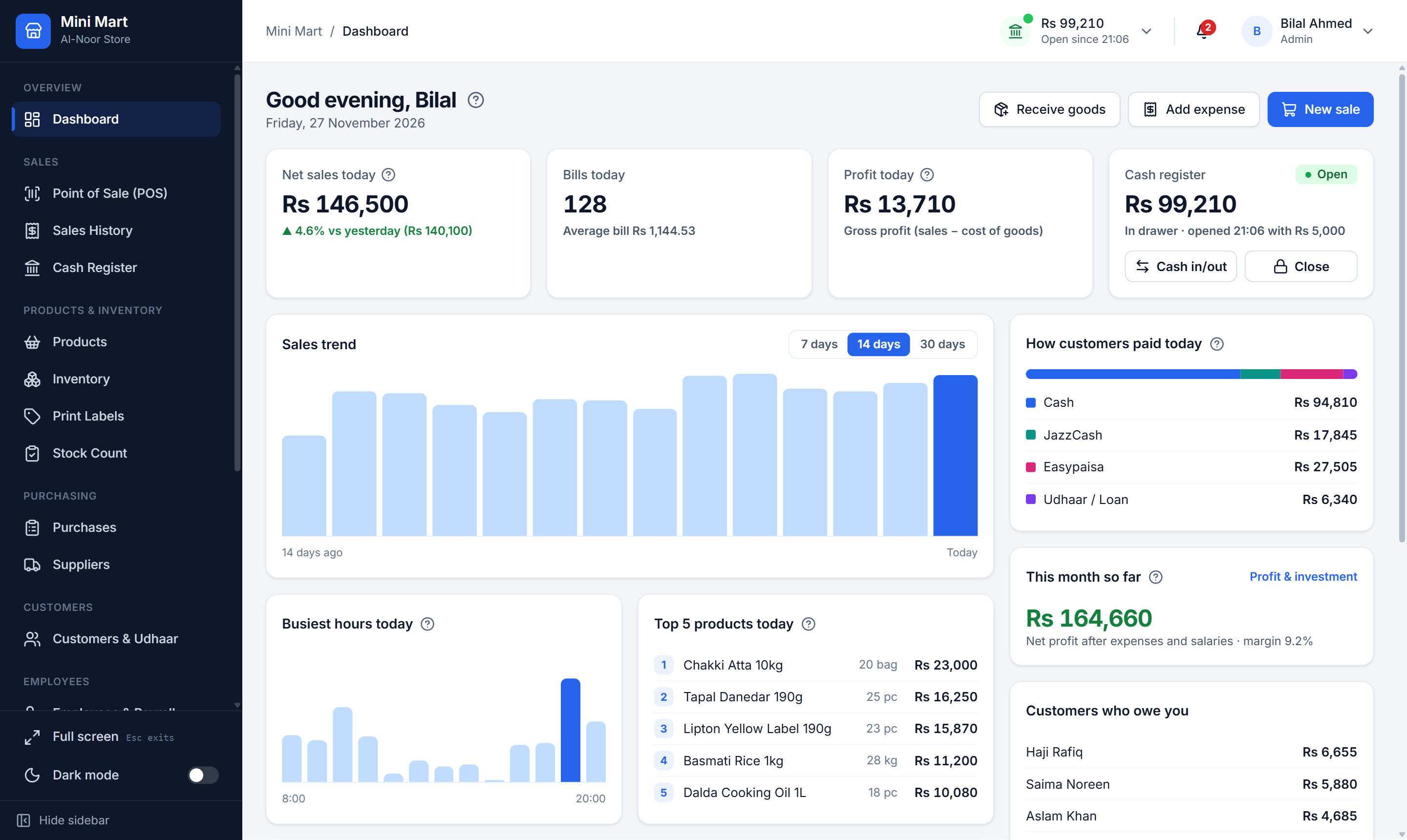
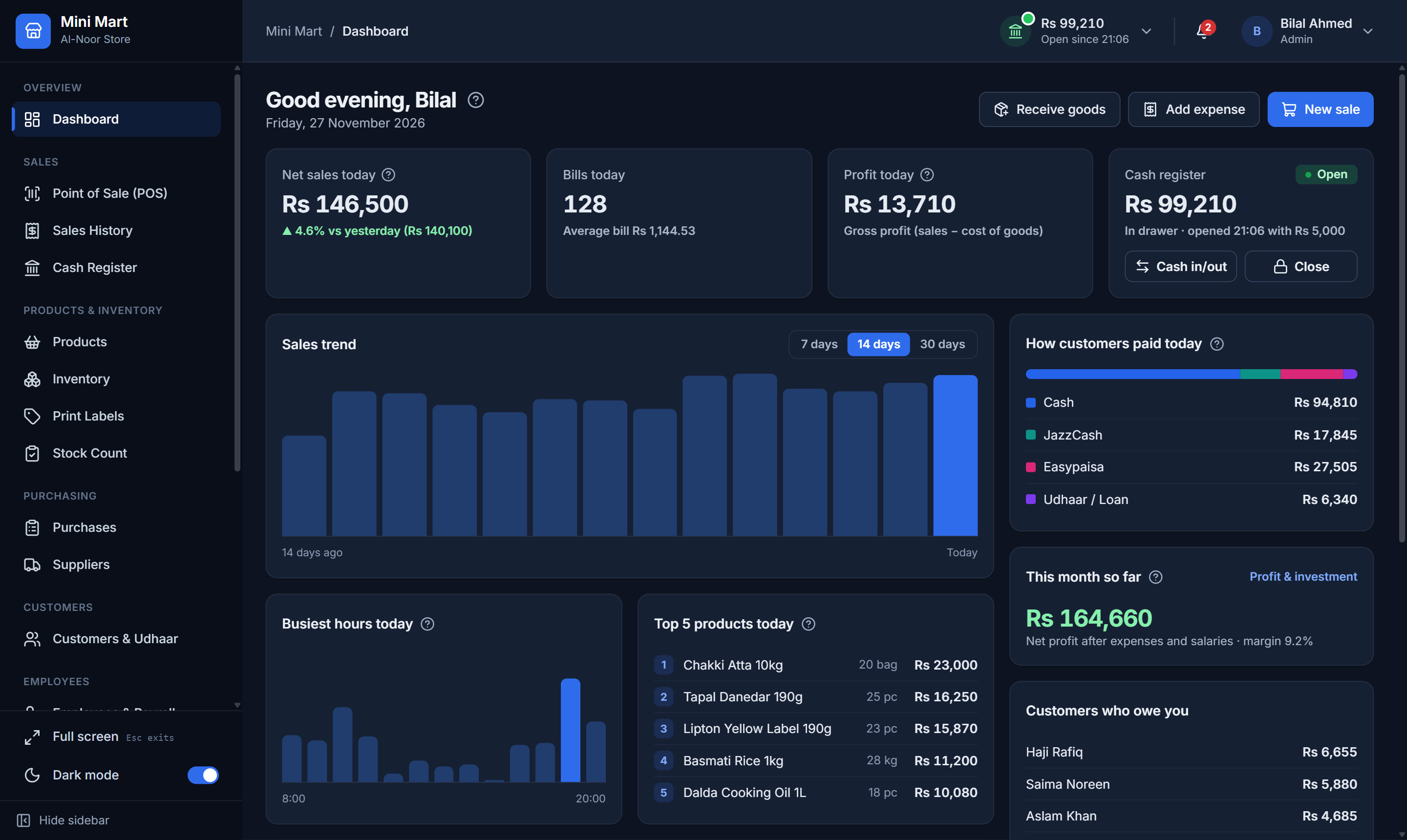
The Mini Mart dashboard: net sales today Rs 146,500 from 128 bills, profit today Rs 13,710, Rs 99,210 in the cash drawer, a 14-day sales chart, how customers paid, top products and customers who owe money.The Mini Mart dashboard: net sales today Rs 146,500 from 128 bills, profit today Rs 13,710, Rs 99,210 in the cash drawer, a 14-day sales chart, how customers paid, top products and customers who owe money.

The real dashboard, not a drawing: a demo shop after two weeks of sales.

No internet neededA net or power cut never stops a sale.
Every way customers payCash, Bank, JazzCash and Easypaisa, each counted on its own.
Udhaar to the rupeeA ledger and credit limit per customer.
Your data stays with youOn your PC, with checked automatic backups.

Close the khata. Open Mini Mart.

The notebook can’t tell you who owes what, why the drawer is short, or whether you made money today. Mini Mart answers all three at the end of every day.

With a khata With Mini Mart
Udhaar totals kept from memory Every customer has a ledger and a credit limit
The drawer is short and nobody knows why Expected cash is worked out from every sale, expense and payment
Profit is a guess Profit after the cost of goods, expenses and salaries
Expired stock is found on the shelf Expiry alerts 30 days ahead, and low-stock alerts
Mistakes can’t be traced to a person Each person signs in, and important actions go into a log nobody can edit

Built for the counter, not the office

Plain language, rupee examples, and a keyboard shortcut for every counter action.

Bill in seconds

Scan a barcode or type a name, then press F9. Hold a bill and serve the next customer. If the power goes, the unfinished bill is back on screen when you return.

  • F2Scan box
  • F1Customer
  • F4Hold bill
  • F9Pay
  • F11Customer screen
Bill #10482Cash
Olpers Milk 1L × 2540
Eggs (dozen) × 1420
Tapal Danedar 190g × 1650
Sugar 1kg × 1160
TotalRs 1,770
Pay · F9
Profit you can trust

Each item’s cost at the time it was sold, minus expenses and salaries.

Net sales
Rs 48,210
Cost of goods sold
− 36,950
Expenses (electricity, tea)
− 2,840
Profit today
Rs 8,420

Udhaar under control

Udhaar sales go on the customer’s ledger. Record payments in seconds.

Aslam · balance brought forward
Rs 1,800
Sale on Udhaar, bill #10477
+ 1,200
Paid by JazzCash
− 700
Aslam owes
Rs 2,300
  • Stock and expiry

    Low-stock and expiry alerts, stock counts and adjustments with a reason.

  • Purchases and suppliers

    Buy lists per supplier, goods received, and what you owe each one.

  • Staff and payroll

    Own sign-in and permissions per person, salaries, leave and advances.

  • Receipts and labels

    Your logo on receipts and PDFs. Price and barcode labels in any size.

  • Customer display

    The bill on a second screen, with your own pictures or offers beside it.

  • Backups

    Automatic backups, checked for damage. Restore on the same or a new PC.

See the screens you will use every day

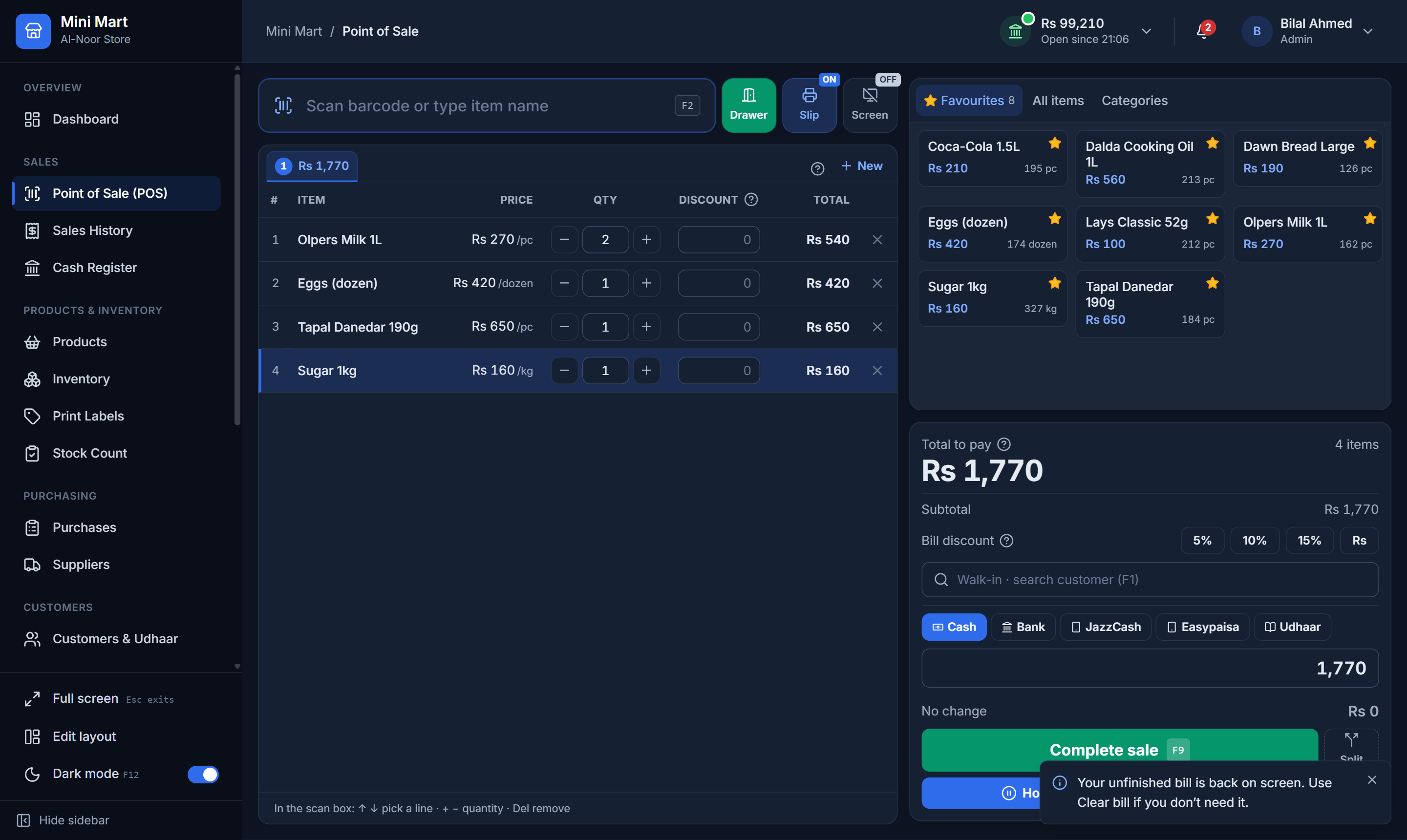
Screenshots from Mini Mart 1.0.1, light or dark to match this page.

The counter

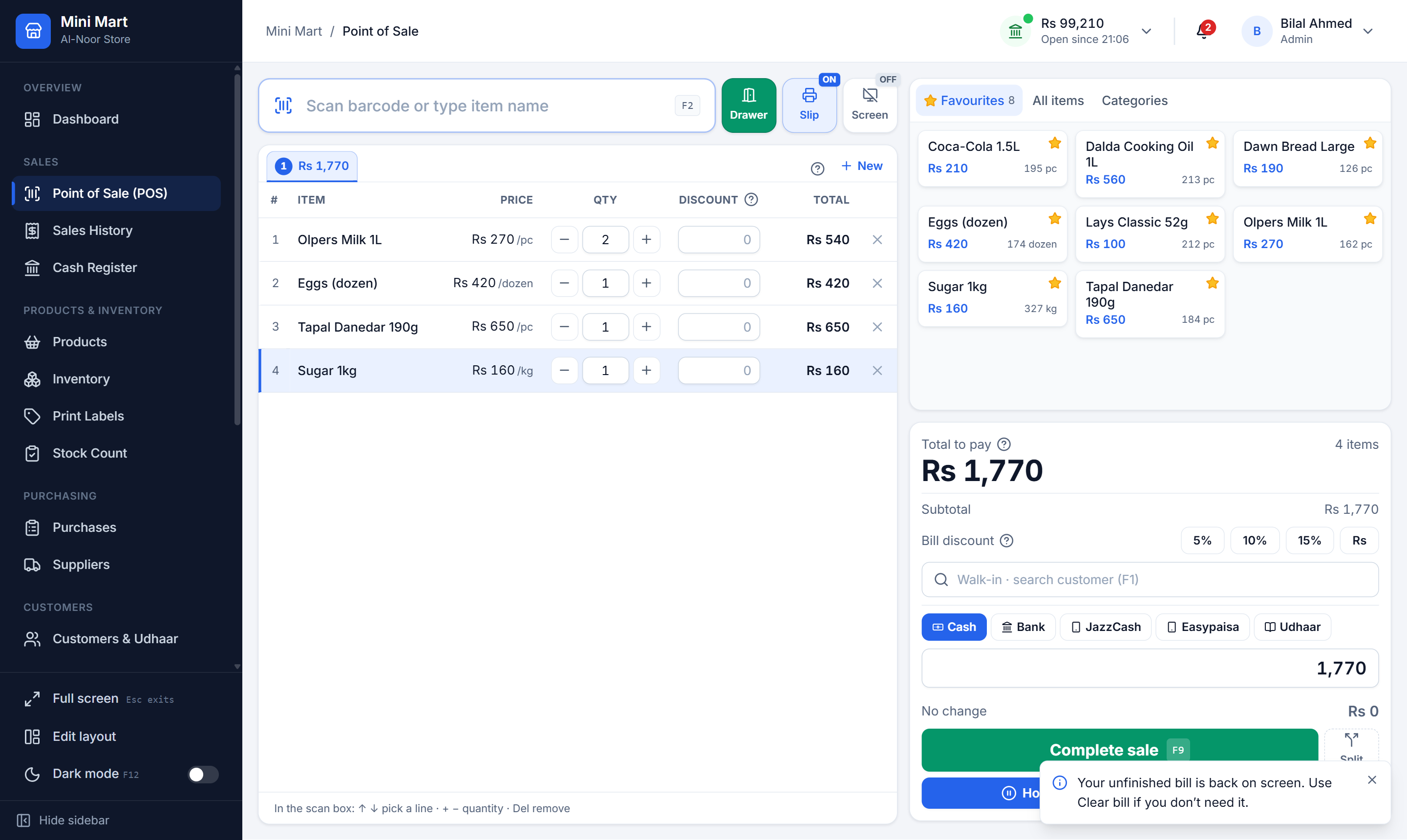
Scan a barcode, type a name or tap a favourite. The total and the change are always in the same place.

  • Cash, Bank, JazzCash, Easypaisa or Udhaar, or split one bill across them.
  • Hold a bill with F4 and serve the next customer. Finish with F9.
  • Drawer, receipt slip and customer screen each switch on and off with one tap.
The Point of Sale screen with a Rs 1,770 bill: Olpers Milk 1L × 2, Eggs, Tapal Danedar and Sugar, favourite products on the right and the payment methods below the total.The Point of Sale screen with a Rs 1,770 bill: Olpers Milk 1L × 2, Eggs, Tapal Danedar and Sugar, favourite products on the right and the payment methods below the total.

Where every rupee went today

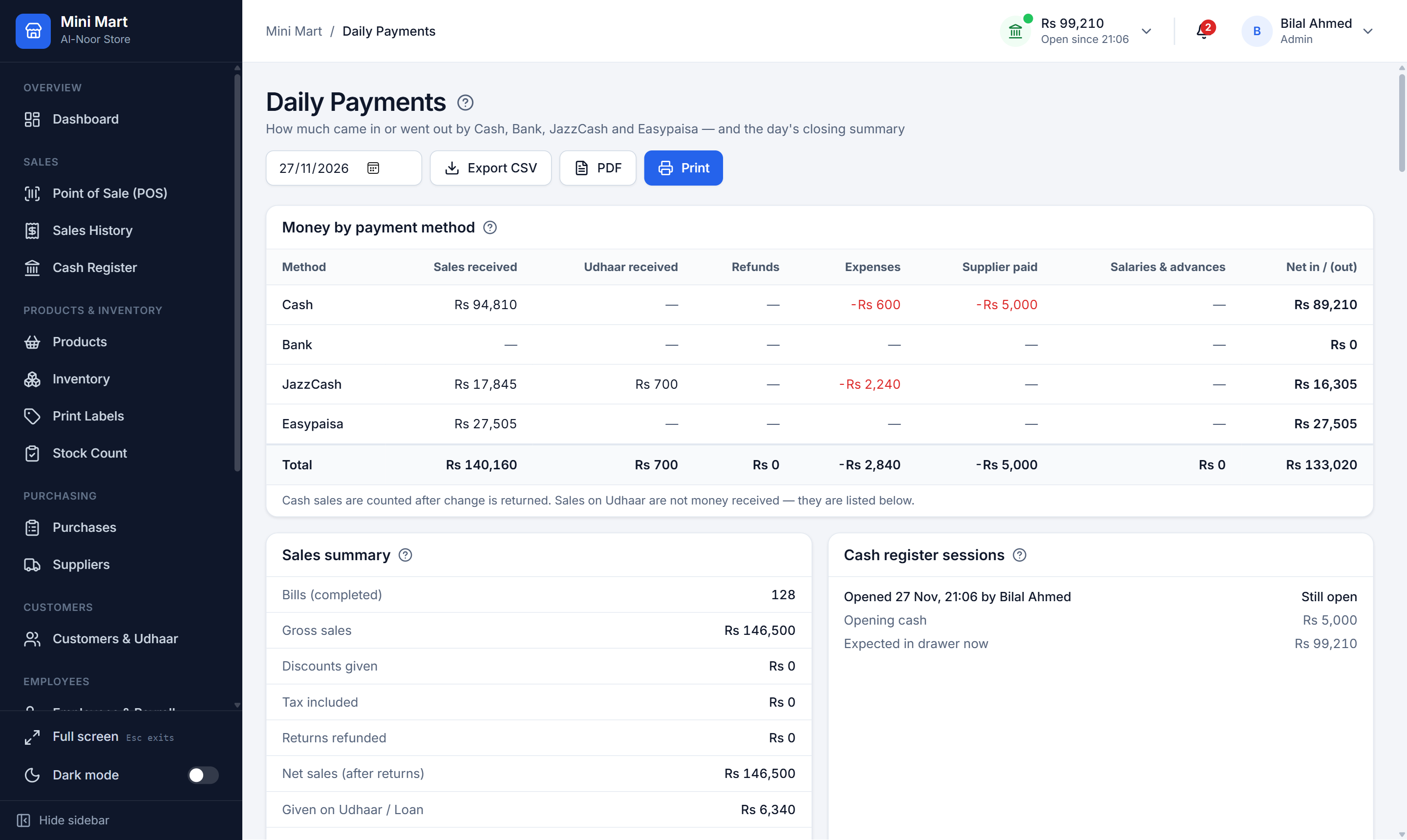
One table for money in and out by Cash, Bank, JazzCash and Easypaisa, so the drawer and each wallet can be checked against the app.

  • Sales, Udhaar received, refunds, expenses, supplier payments and salaries side by side.
  • The cash register session: opening cash and what should be in the drawer now.
  • Print it, or save it as PDF or CSV for your accountant.
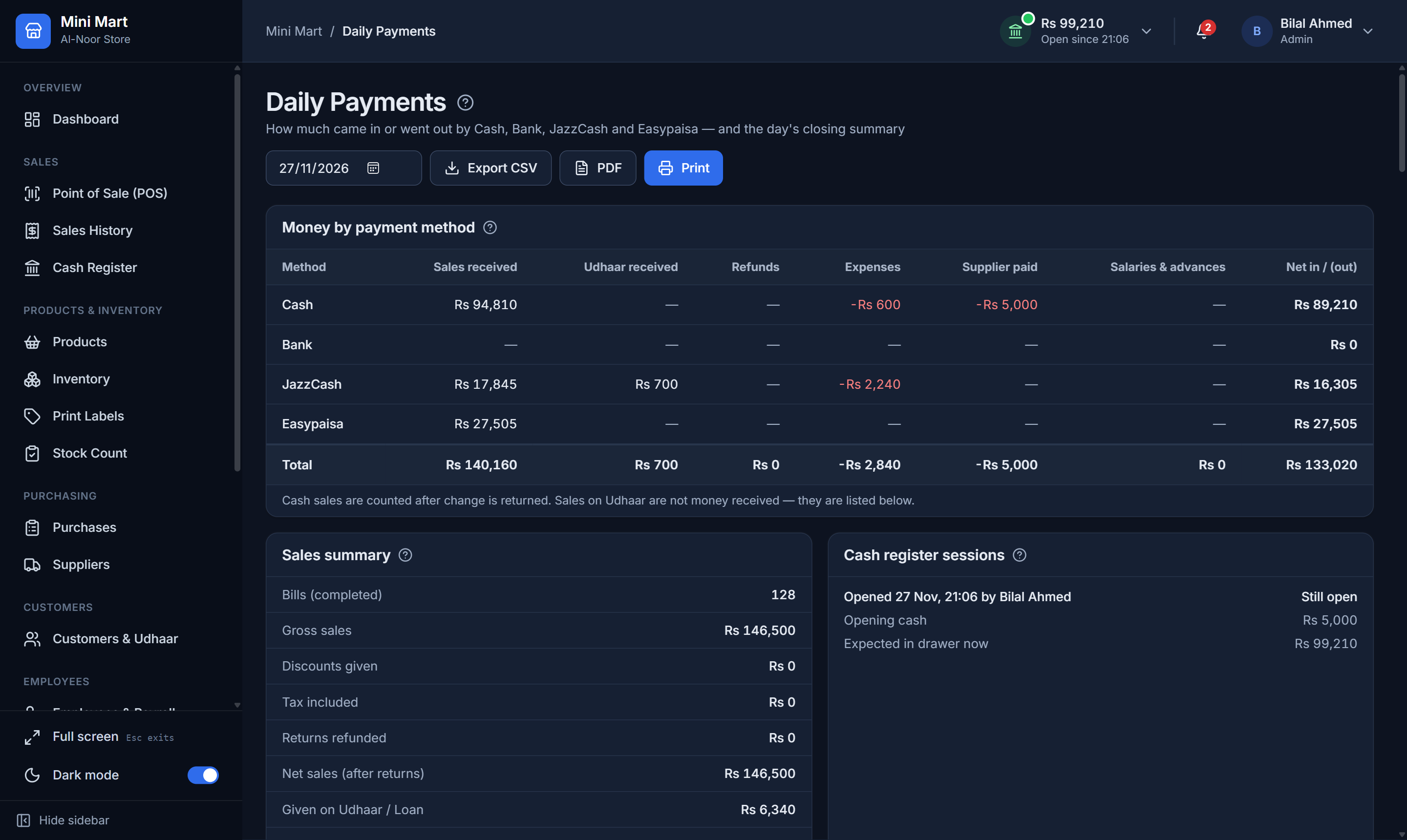
The Daily Payments screen: money by payment method with sales received, Udhaar received, expenses and supplier payments, then the sales summary and cash register session.The Daily Payments screen: money by payment method with sales received, Udhaar received, expenses and supplier payments, then the sales summary and cash register session.

Udhaar without the notebook

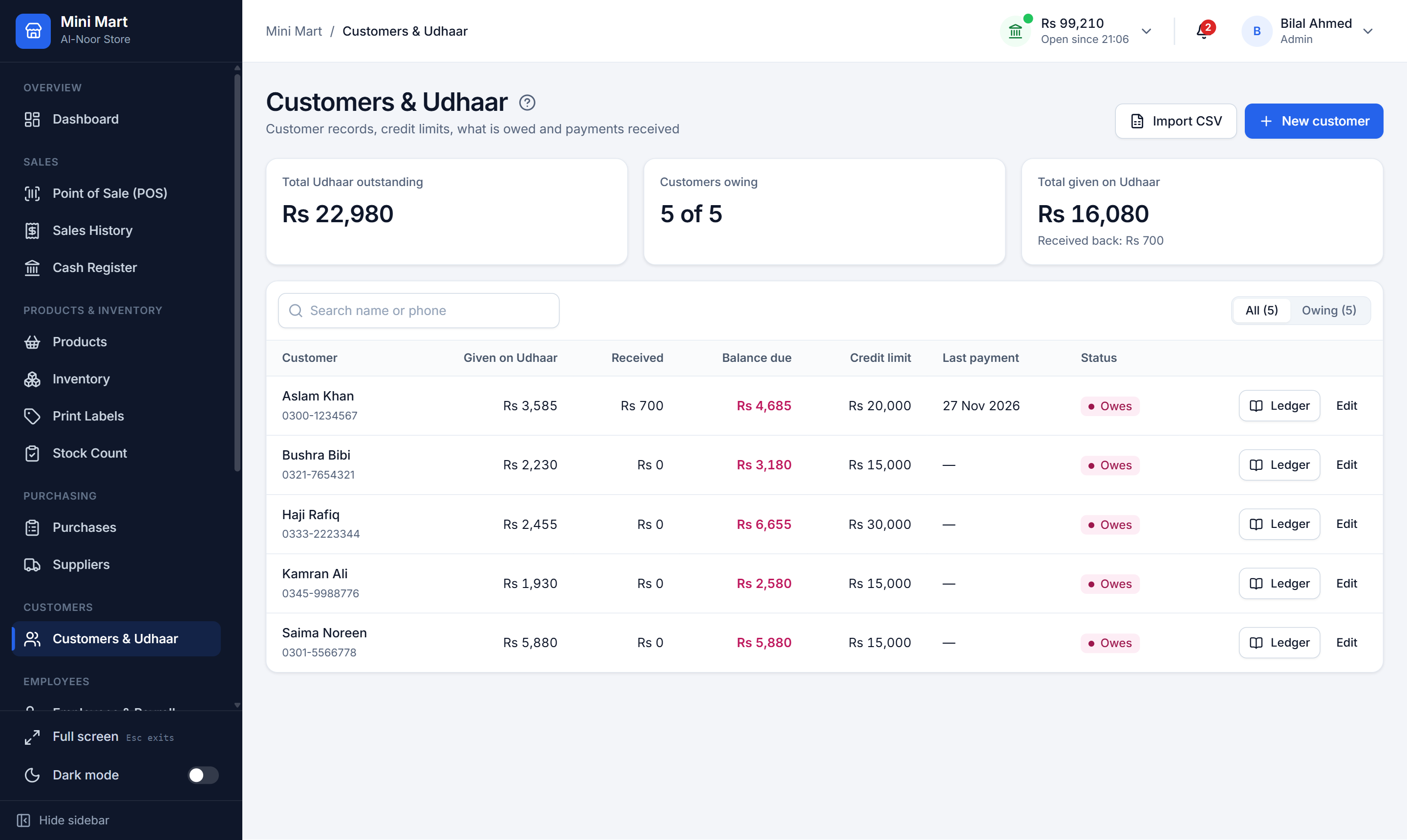
Every customer’s balance, credit limit and last payment on one page. Open a ledger to see each bill and payment.

  • A sale on Udhaar is stopped when it would go past the customer’s credit limit.
  • Record a payment by cash or wallet in a few seconds.
  • The dashboard lists who owes the most.
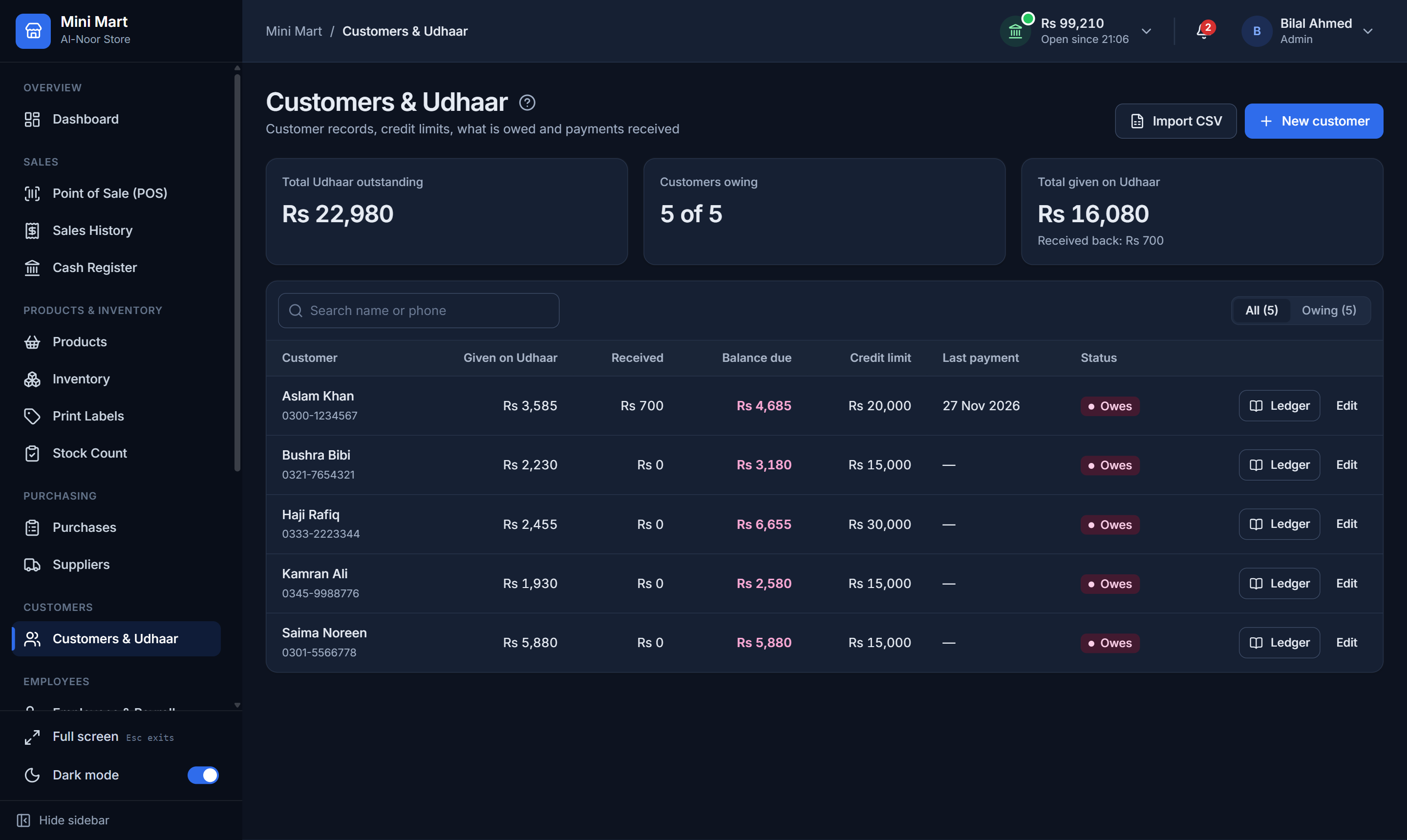
The Customers & Udhaar screen: Rs 22,980 outstanding across five customers, each with amount given on Udhaar, received, balance due and credit limit.The Customers & Udhaar screen: Rs 22,980 outstanding across five customers, each with amount given on Udhaar, received, balance due and credit limit.

Stock you can see

What is on the shelf, what it is worth and what runs out or expires soon, updated by every sale and delivery.

  • Filters for low stock, out of stock and expiring items.
  • Batches with expiry dates, and every movement in a ledger.
  • Add an item to the supplier buy list straight from here.
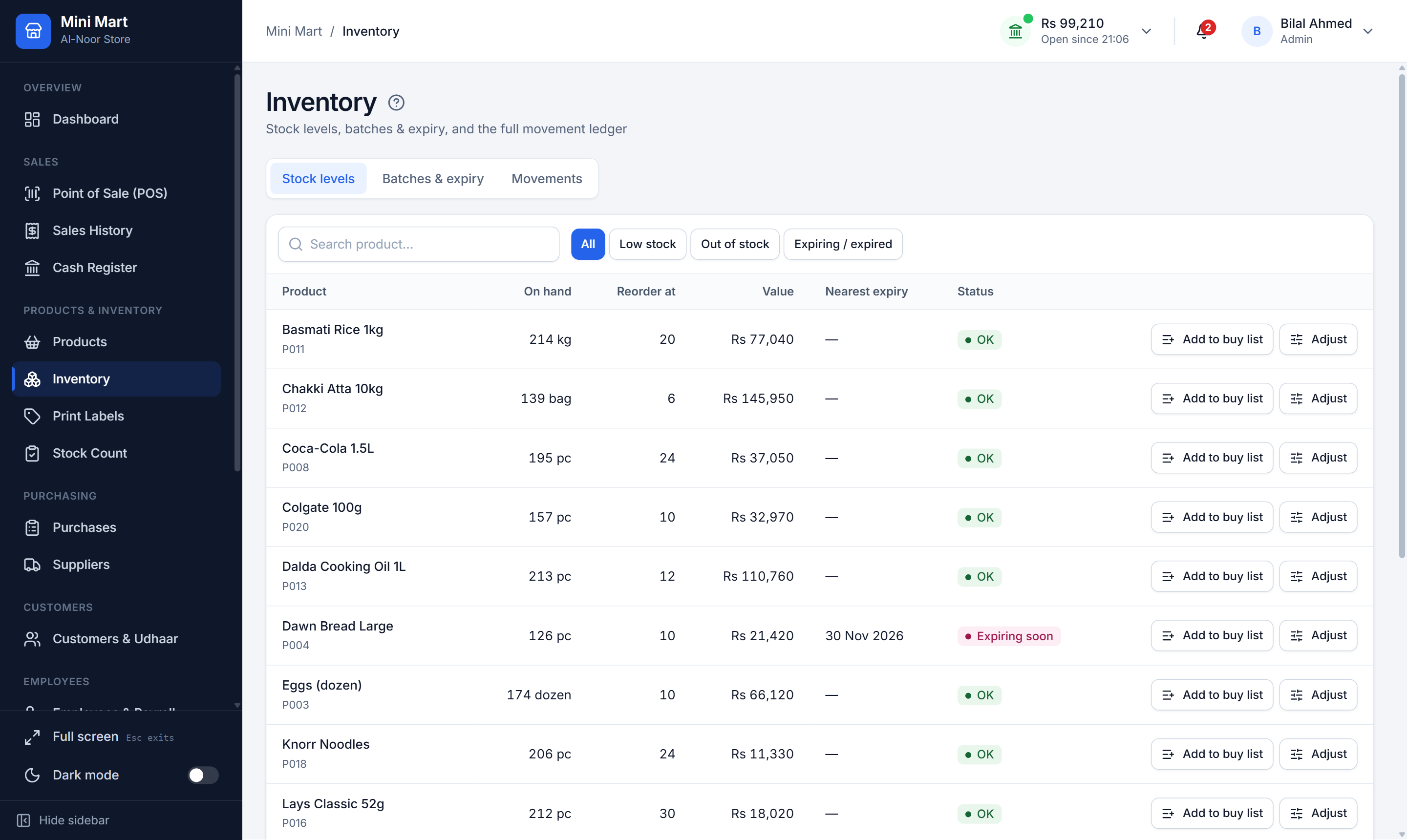
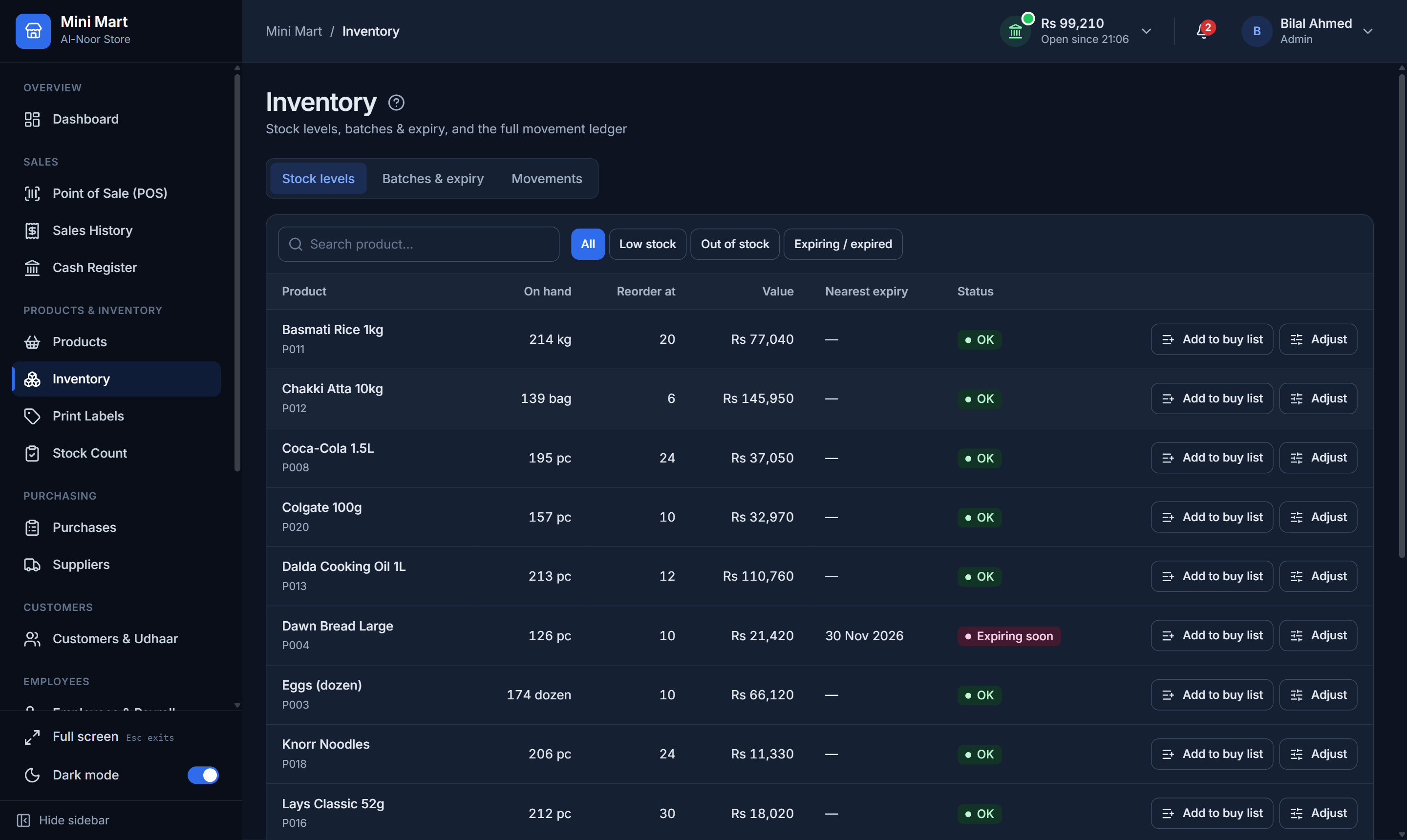
The Inventory screen: stock levels with quantity on hand, reorder level, stock value and nearest expiry, with Dawn Bread Large marked expiring soon.The Inventory screen: stock levels with quantity on hand, reorder level, stock value and nearest expiry, with Dawn Bread Large marked expiring soon.

A day at the counter

  1. 1Morning

    Open the register

    Enter the cash already in the drawer. If yesterday’s register was left open, Mini Mart asks you to close it first.

  2. 2All day

    Sell and take payments

    Cash, Bank, JazzCash, Easypaisa or Udhaar. Each sale takes the items out of stock as it is saved.

  3. 3Closing time

    Count the drawer, see the day

    Count the cash once. Daily Payments shows every rupee in and out, method by method, with the day’s profit.

Try it free, then buy a key

  • 7-day free trial on every PC, with every feature.
  • Then a 25-character key, made for that PC’s Machine Code. No internet activation.
  • Renew early and the new key starts when the old one ends. No days lost.
  • If a key runs out, nothing is lost: reports, history, exports and backups still open.

Key lengths

  • 30 days
  • 90 days
  • 180 days
  • 365 days
  • Lifetime

Every key has every feature and works on one PC.

Ask for a price on WhatsApp

Put it on your counter PC this week.

Windows 10 or 11, 64-bit. A USB barcode scanner works straight away; receipt printer, cash drawer and a second screen are optional.

Download for Windows